| |
Time sure flies...
8/19/2025. Time sure flies when you only take one frame every 30 seconds. I've been working on solar time-lapses. Expected and unexpected challenges kept them interesting. What you see at the link down below is actually my second try. The first was a wreck, but it suggested a workflow. I made some mistakes that I now know to avoid (for one, just leave PIPP out of it). Then came clouds for three weeks. When the weather allowed a second try, the sketched-in workflow sufficed to guide me to a decent video after hours of trial and error. A clearer-ish overview follows. Next time should be quicker and better. But first, internalize these two words to the wise: take a good flat, and tweak polar alignment. The former saves lots of time in post, and the second means you can walk away from the 'scope for at least a couple of minutes without sacrificing hard-won frames or harder-won field of view.
Here are a couple of stills. See? Things were working today:
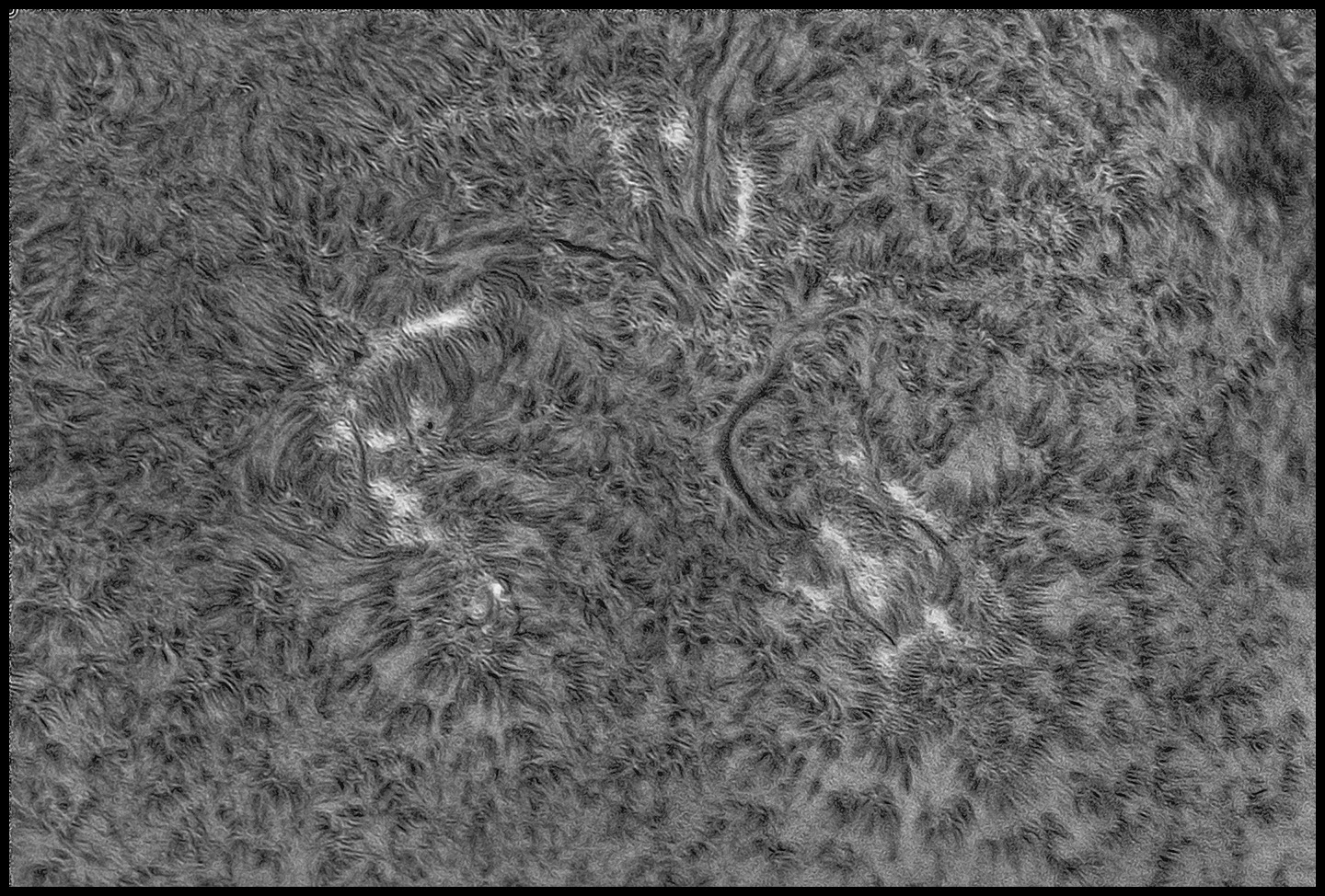
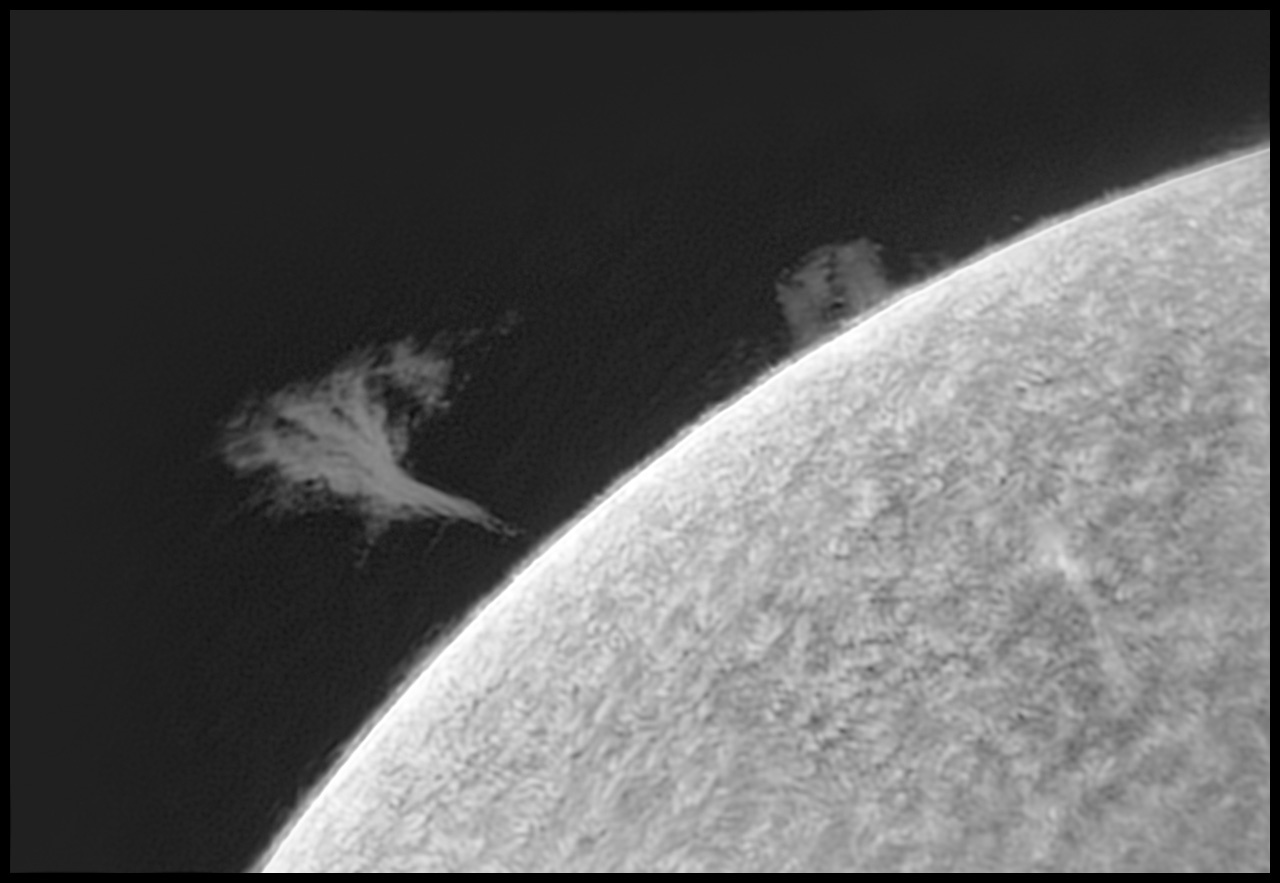
With those out of the way, I configured Firecapture's "autorun" (not time-lapse) and let it run for about 40 minutes. That's 20,000 frames, more or less. Collecting data was routine; turning out a video remains adventurous.
Hardware: TMB92SS, Quark, 178MM, uncompressed, SWSA.
Software: Firecapture 2.7.x., 7ms, gain 200, gamma .65, 8-bit, binned 2x2, high speed mode. Autorun set for 200 frames every 30 seconds, repeat 180x (I stopped after 100 captures).
Post: AutoStakkart!4, ImPPG, PixInsight, Photoshop, Premiere Elements in that order.
AS!4: from each 200-frame clip generate a 40-frame TIFF image, cropped.
ImPPG: deconvolve and histogram stretch in batch mode, output as FITS.
PixInsight: convert FITS to TIFF
Photoshop: Load TIFFs into stack
(align); crop; make frame by frame corrections for dust, gradients, etc. as needed; open a timeline, load frames from layers, render.
Premiere Elements: adjust speed, gamma, color, scale...
https://vimeo.com/1111181519 It's the same 3-4s clip slowed down a bit and repeated about four times; thanks Elements. After all is said and done, that's shown at 600x the speed of life, give or take about 100x.
There's a certain amount of handwaving in the conversion to video steps in Photoshop. I tried to keep track of what worked, but I lost the thread a couple of times and just stumbled around until I got a decent result. Next time for sure.
8/28/2025. I suffered an epiphany about surface post-processing. ImPPG defaults to 50 iterations of L-R deconvolution. I usually use 70, but that's just nibbling. Today, I thought to try 200 iterations and less aggressive parms. I've got a fast processor; use it. This appears to be the ticket! Try more adjustments along these lines, do a little prior file prep with this in mind (nr, mult...). The path from AS!4 to this was very short (just raw, ImPPG, raw tweaks, nr, usm). Clean this workflow up and only then go nuts.
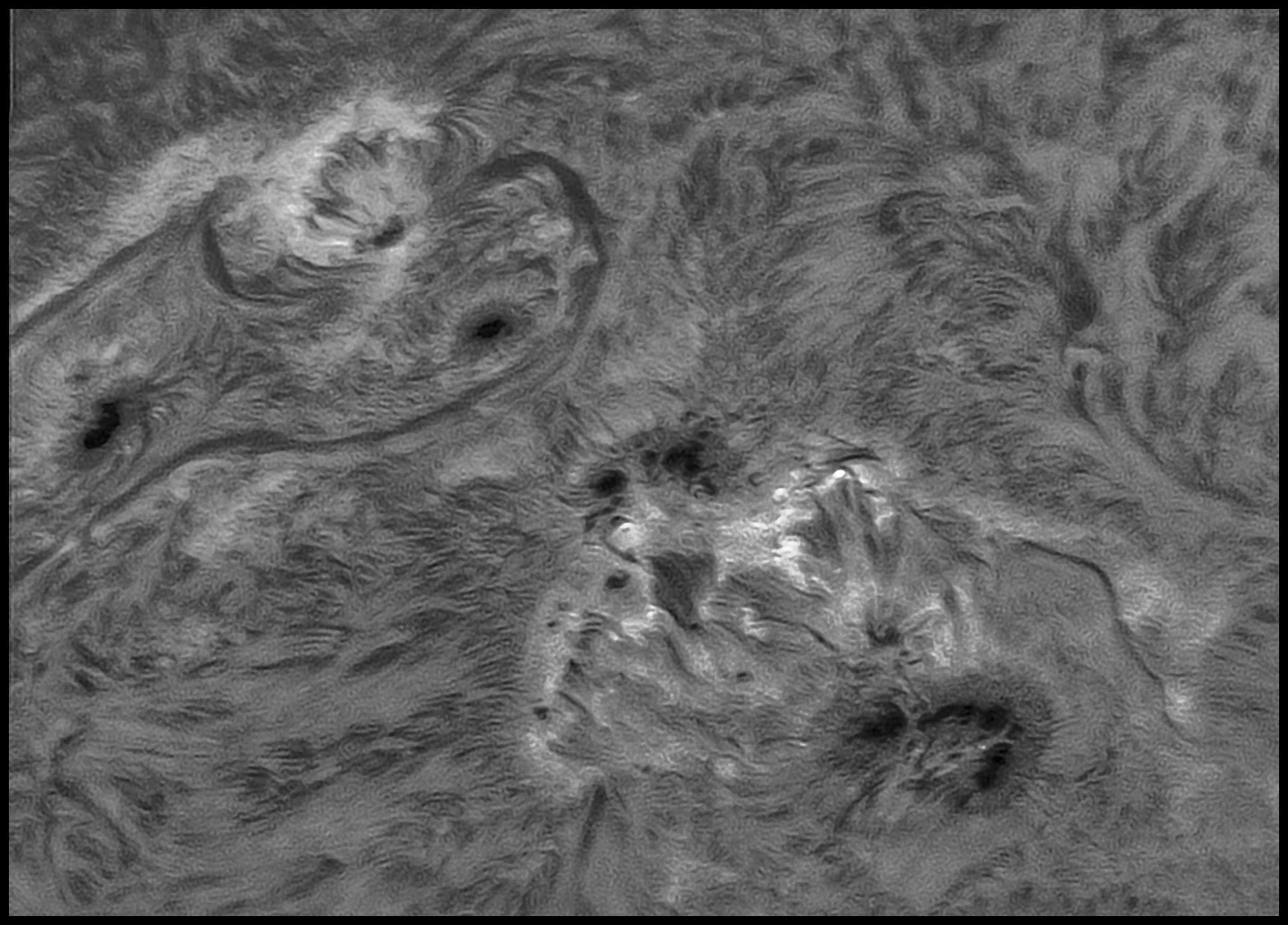
Best 200 of 4,000
8-bit, Binned 2x2, gain 190, gamma 27, 11ms, native FL
8/29/2025. One day later...
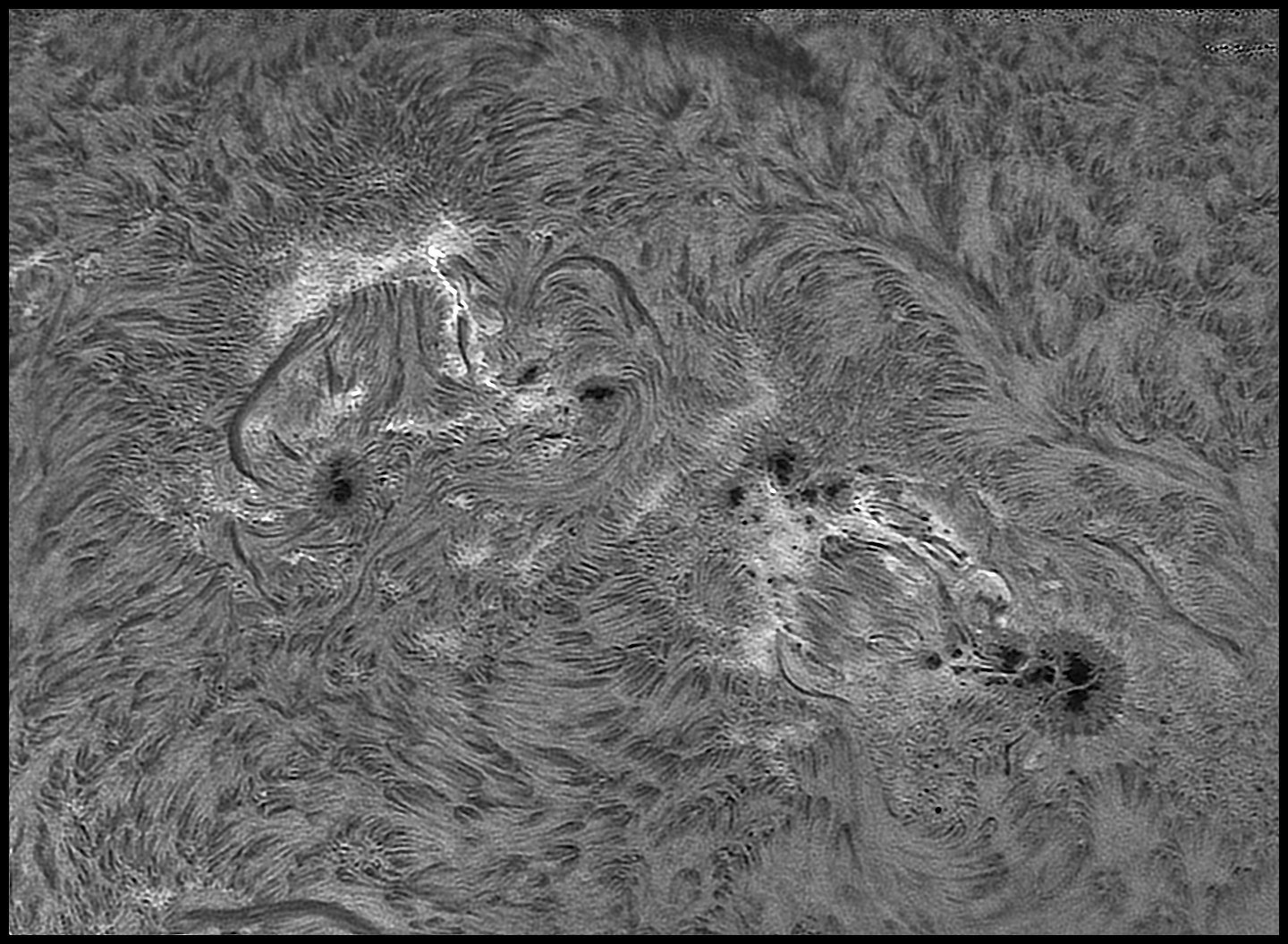
Less foreshortening, a wider field of view, still 200 out of 4,000 images
350 passes of L-R deconvolution..
8/31/2025. Photoshop's shake reduction tool takes care of some of the remaining blur. Maybe it comes from keying the AS! files to unstable anchors. Whatever its origin, the "sharpen/shake removal" often makes a big difference (so does BlurXterminator, though BX is not as simple to invoke and not as easy to preview and fine tune). Examples to come when I get this worked out a bit better. Every parm matters, and a certain amount of fading of the full effect is often important.
12/03/2025. A huge sunspot group has rotated onto Earth-side, and I hurried to take advantage of a brief clear spell to try the Wave 100i as a solar imaging mount. I hauled the kit to the community lot where it took all of 15 minutes to set it all up (except tuning the filter). The mount worked great! Focusing is much more confident and exact when the slightest touch doens't send the image halfway across the screen. The slowest slew speeds available are perfectly fine for keeping the target centered mid-capture to make up for casual daytime polar alignment:
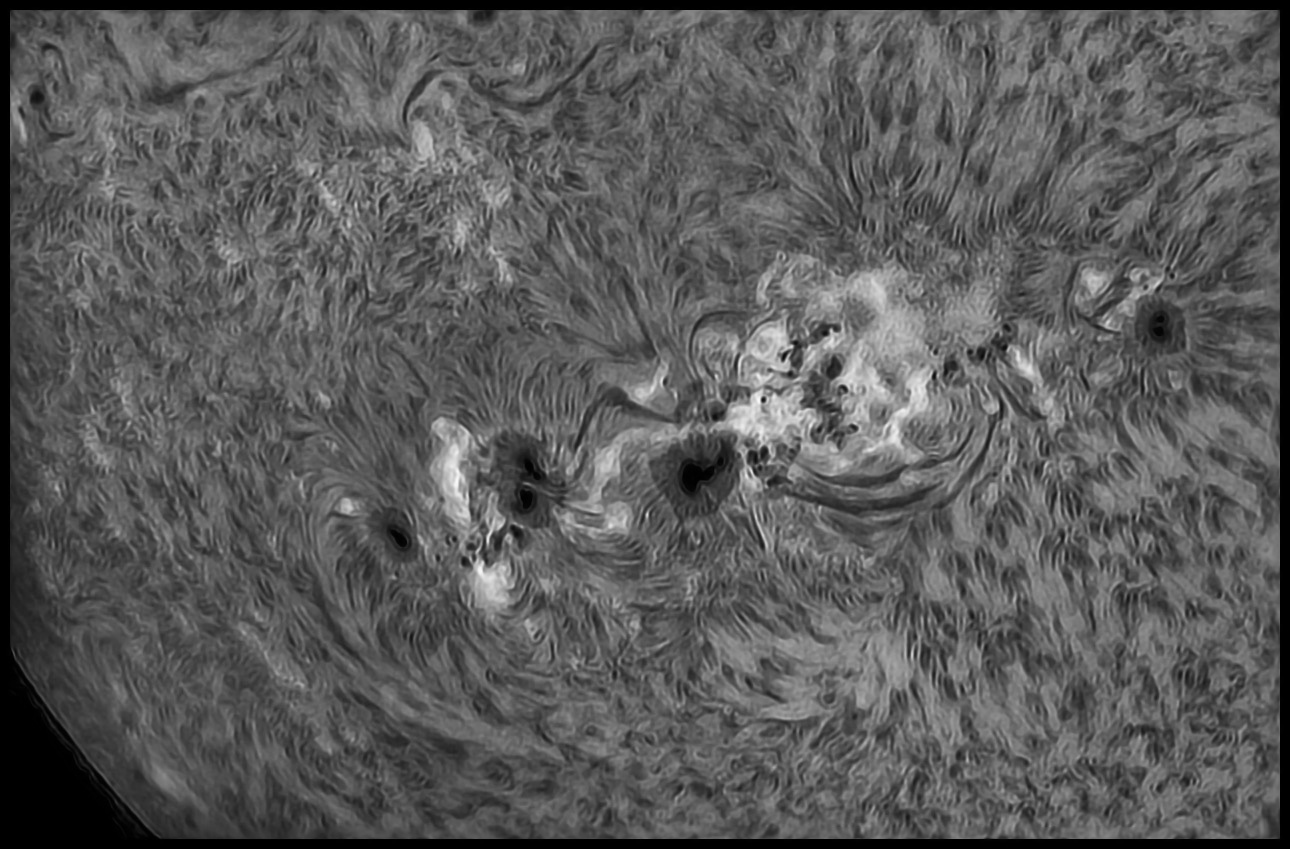
Yeah sure, enbiggen it.
Best 200 of 2000, full-frame, unbinned, undrizzled, 0.5x telecompressor inside snout, gain ~230.
IP summary: AS!4, 1300 alignment points; Photoshop NR; IMPPG (200LR); PS Hist, USM, NR, SS.
It's hard to say how many things went wrong during this session. The Quark took 45 minutes to reach operating temperature (ambient air was about 34F), owing, I think, to a damaged power cord (my years-old strain-relief didn't) aggravated by a gentle breeze in freezing air. I am not convinced that the filter ever performed at its best; the image on the screen seemed to have lower contrast than I recall. It took 20+ attempts to get 3 decent clips owing to clouds blowing through, though the weather finished well. I can't for anything get the control computer to map the usual P: drive on the desktop. For that matter, I can't get it to see an ethernet connection to the desktop at all. I fell back to transferring data by USB3/SATA to my working drive.
I replaced the USB-A to Micro-B cable with one lying around from some Android device, wrapped it around the barrel of the filter to take up excess length with the intent to use a USB extender (2 on order) to get power from the main battery or from a powerbank mounted on the telescope (in which case the extenders are superfluous). I don't want to keep using my G: drive for data transport, so I shopped up a small SanDisk (refurb, 0.5TB, $25!) and a SATA/USB3 adapter to call its own.
Two things: remember to pack an aluminized, insulated bag to wrap around the filter and help it reach operating temperature in cold air more quickly, and for heaven's sake after all this time try using the Quark at a more appropriate focal ratio (F5.5 x 4.2 = F23 which is significantly short of optimal at around F32). A Barlow threaded into the nose piece of the Quark should get it up into a much better regime (except that risks contacting the diagonal; working on it. Maybe use the 2-inch TV Barlow instead -- Solarchat images suggest this may not pay off, while other reliable discussions suggest that I might lower the bandpass from ~.7 or .8A to ~.5 or .6A which would be very much worth doing). Give it a go. If the moment arm of the filter's optical train gets unwieldy try replacing the A-P diagonal (which does provide some IR protection) with a straight through extender.
I am pretty sure I can undo the scale issue the high focal ratio will produce using telecompressors on the camera side, as usual, as needed. In lively air, especially, and at these focal ratios, especially, capture video with 2x binning for shorter exposures and a reasonable pixel scale. Recover pixels for IP code to play with via drizzling.
By and by, try out the 5" A-P for solar duty. And bring that 6" F5.9 achromat home!
:: top ::
|